NVMe SSD, Portable Drive or Memory Card: Which Storage Do You Need?
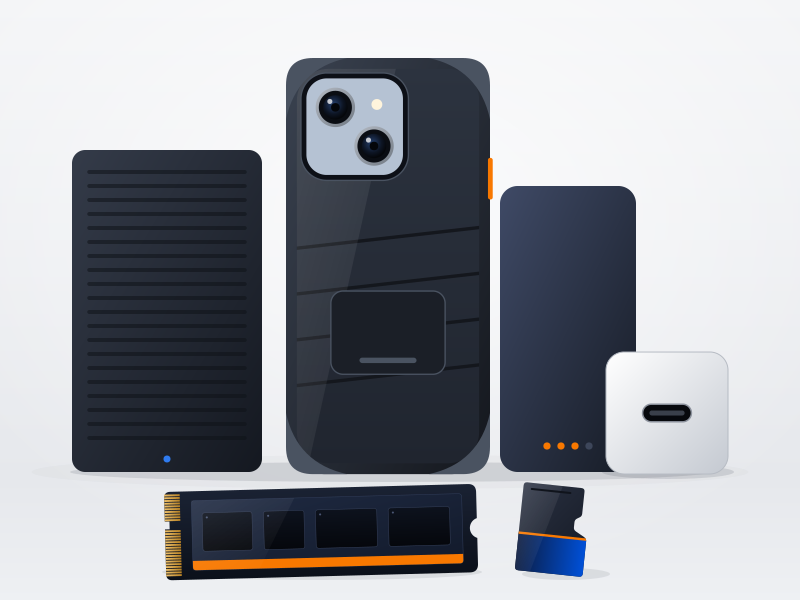
All storage keeps your files, but each type is built for a different job. Choosing the right one saves you money and frustration.
NVMe SSD: for speed
An NVMe SSD fits inside a compatible laptop or desktop and is very fast. It suits your operating system, programs and games. Before you buy, check that your computer has a free M.2 slot that supports NVMe, and that the drive's size will fit.
Portable hard drive: for capacity
A portable hard drive offers a lot of space for less money, which makes it a good choice for backups and large collections of photos and video. It is slower than an SSD, and because it has moving parts it should be treated with care and not dropped.
microSD card: for small devices
Memory cards suit cameras, drones, handheld consoles and any phone or tablet with a card slot. Check the capacity your device supports, as well as the speed rating if you record high-resolution video.
Whichever you choose, keep a backup
Any drive can fail. A common rule of thumb is 3-2-1: keep three copies of important files, on two different types of storage, with one copy somewhere else, such as the cloud. That way one lost or broken drive does not mean lost photos.
Browse the storage and accessories range.
Ready to see what is on offer?
Every deal shows its percentage off and how long it has left.
See Deals & Offers